Remote control function allows you to connect remotely via the Internet.Remote control with a
partner anywhere on Earth!
This functions include unilateral control and mutual control.
Link Method
Step 1: Make sure Two-way mobile phone are Installed the
Luvmazer application.
(
You can click here to download) Or the Invitees can
download it via the invitation link.After the app is installed,make sure both sides are Log
in.Otherwise, the invitation signal cannot be received.
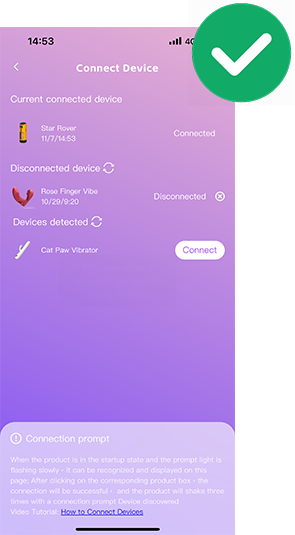
Step 2: Make sure One of the parties has linked the device and can control it.(Refer to the
instructions for single person remote control)
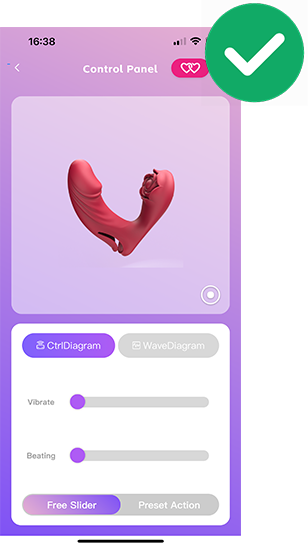
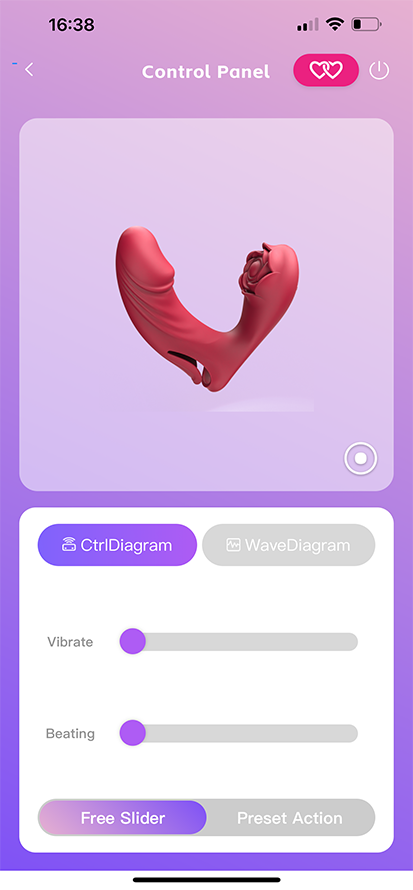
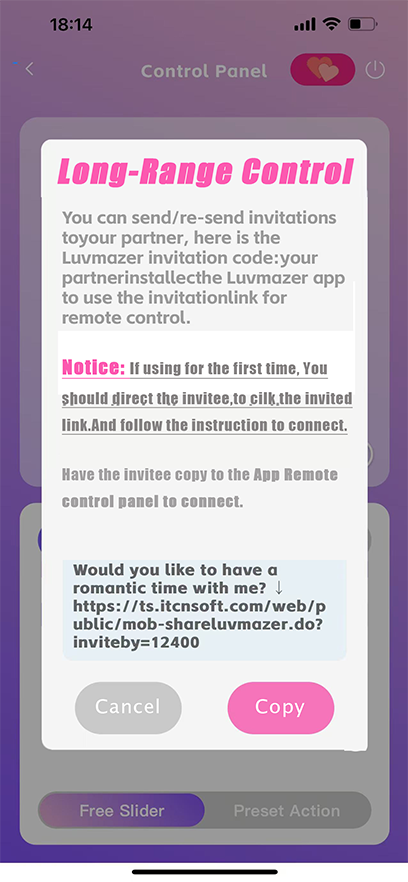
Step 3: Click the invite link Button in the top right corner On the remote control
screen.Then Click the Copy button in the invitation window
Step 4: Send invitation codes via any social media or SMS.
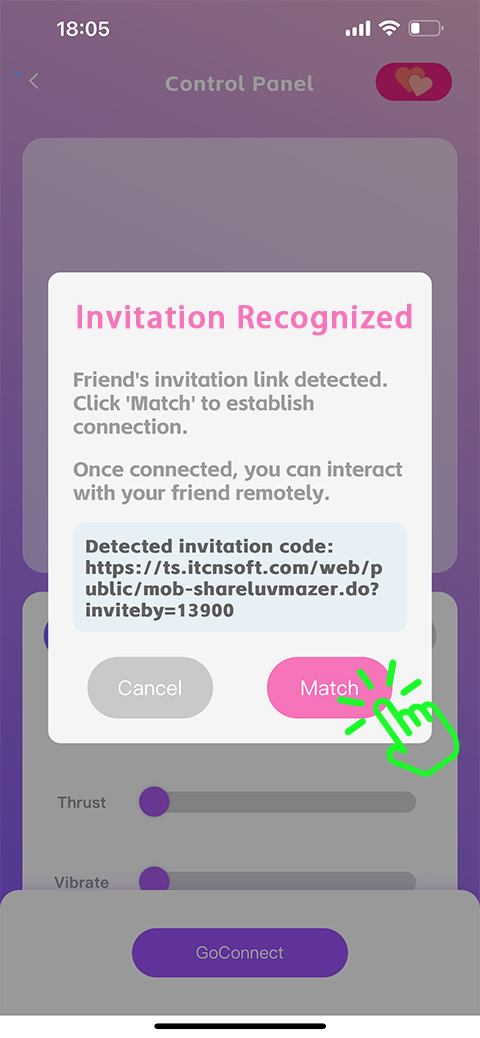
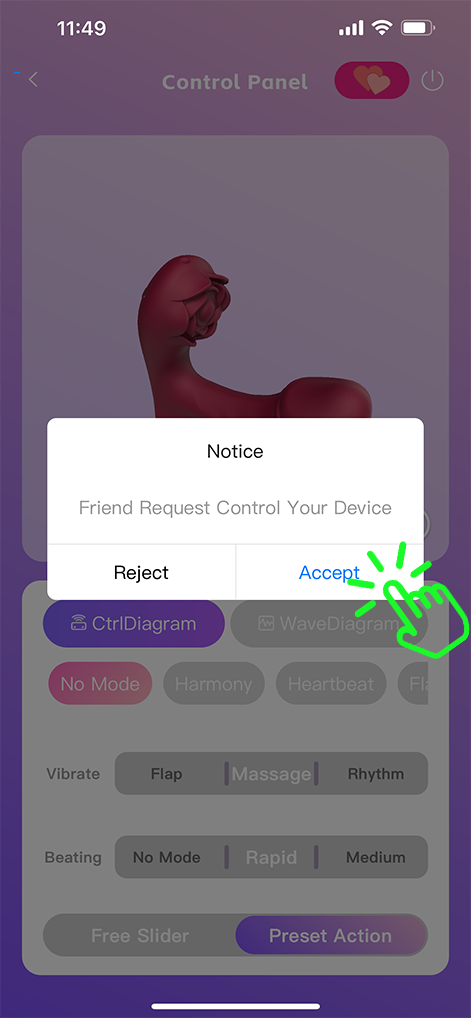
When the invitee receives and copies,Turn on the app and tap the Remote Control panel. A
successful recognition window will pop up. click the "Match" button and the link will be
successful!
*If there is no "recognition window" show up, the invitee can click theConnect button in the
upper right, to Re-identify the invitation code of the paste board